
http://www.openwatcom.org
https://openwatcom.org/ftp/install/open-watcom-c-dos-1.9.exe
https://openwatcom.org/ftp/install/open-watcom-c-dos-1.9.exe.md5
Pour tester la signature du fichier téléchargé :
md5sum open-watcom-c-dos-1.9.exe

Résultat attendu : 2d57fe53110d56104cab428202035ec2
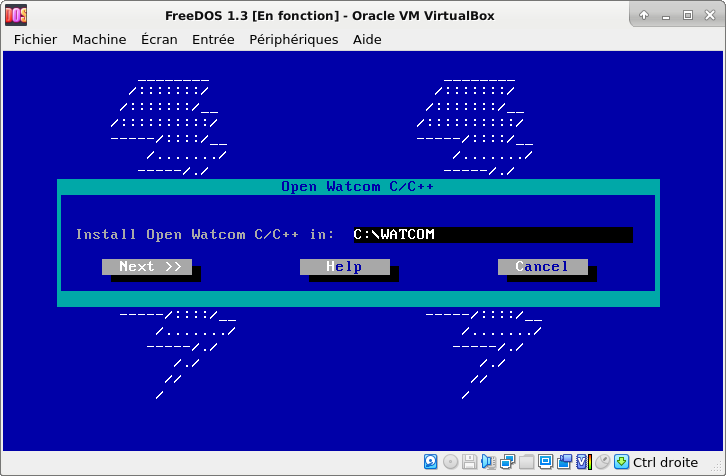
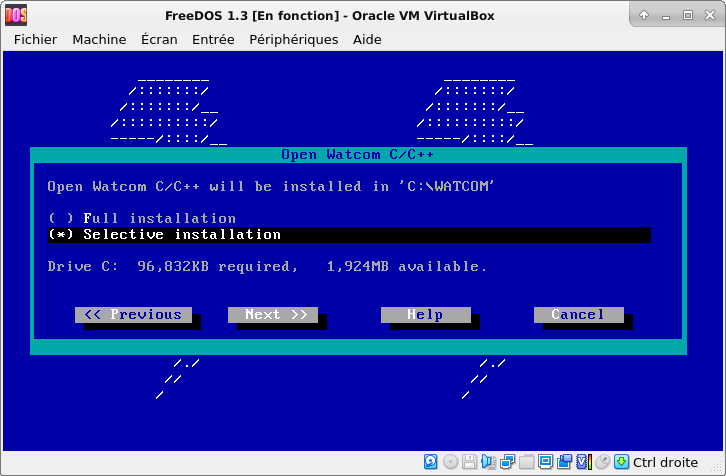
Garder les sélections par défaut (DOS, 16 bits, 32 bits notamment) :

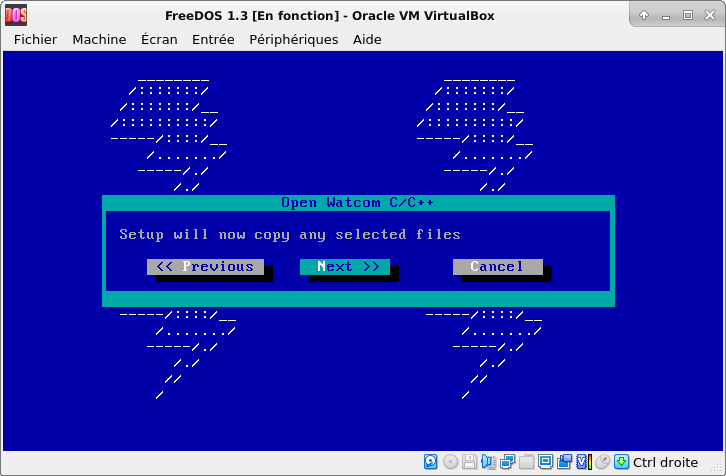

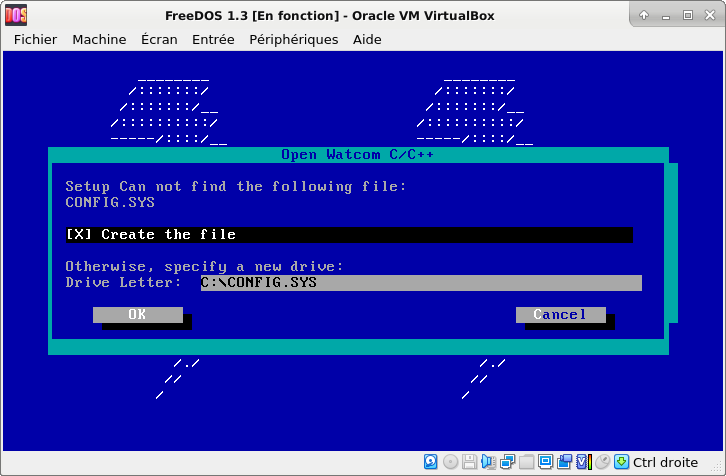
On supprimera après les fichiers config.sys et autoexec.bat (ceux-ci sont vides).
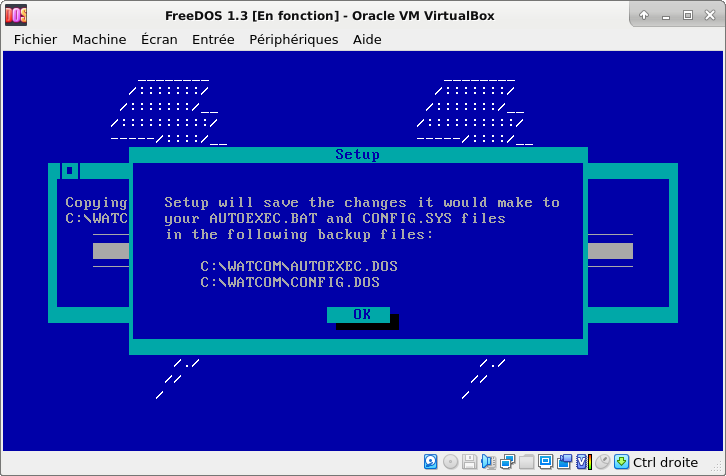
Rajouts personnels à la fin du fichier fdauto.bat (= autoexec.bat) :
edit fdauto.bat
REM *** OPEN WATCOM 1.9 ***
PATH C:\WATCOM\BINW;%PATH%
SET INCLUDE=C:\WATCOM\H
SET WATCOM=C:\WATCOM
SET EDPATH=C:\WATCOM\EDDAT
SET WIPFC=C:\WATCOM\WIPFC
CTRL+S : Save
ALT+X : Exit
Pour compiler et créer un exécutable avec Watcom :
wcl hello.c
wcl hello.cpp
hello.c :
#include <stdio.h>

void main()
{
  printf( "Hello world\n" );
}
hello.cpp :
#include <iostream.h>

int main()
{
  cout << "Hello world" << endl;
}